

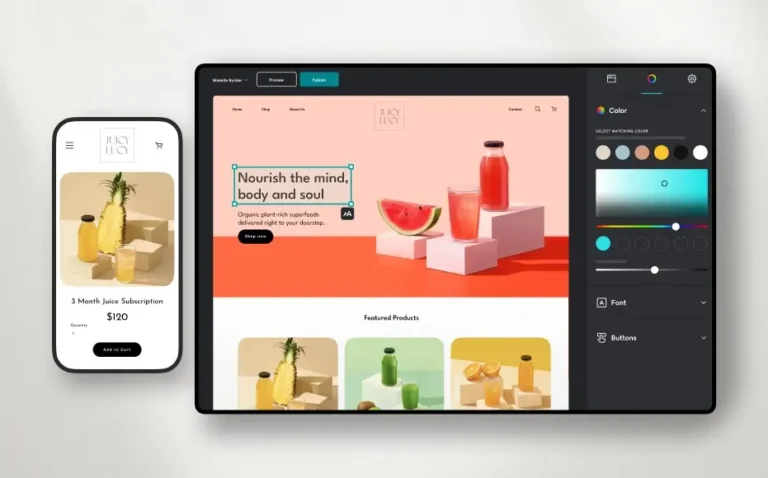
Building a website used to mean wrestling with code or paying a developer thousands of dollars. Now, you can type a simple prompt and watch a fully functional site appear in seconds. If you need to establish an online presence fast, finding the best AI website builder is the smartest move you can make.
The right tool cuts out the technical friction, giving you built-in copy, images, and layouts tailored exactly to your business. Whether you are launching an eCommerce store, a freelance portfolio, or a local business page, artificial intelligence handles the heavy lifting. Instead of staring at a blank screen wondering where to put your navigation bar, you get a solid first draft instantly.

Let’s break down the top options currently on the market so you can stop researching and start building.
Top Contenders for the Best AI Website Builder
1. Hostinger — Speed and Affordability Combined
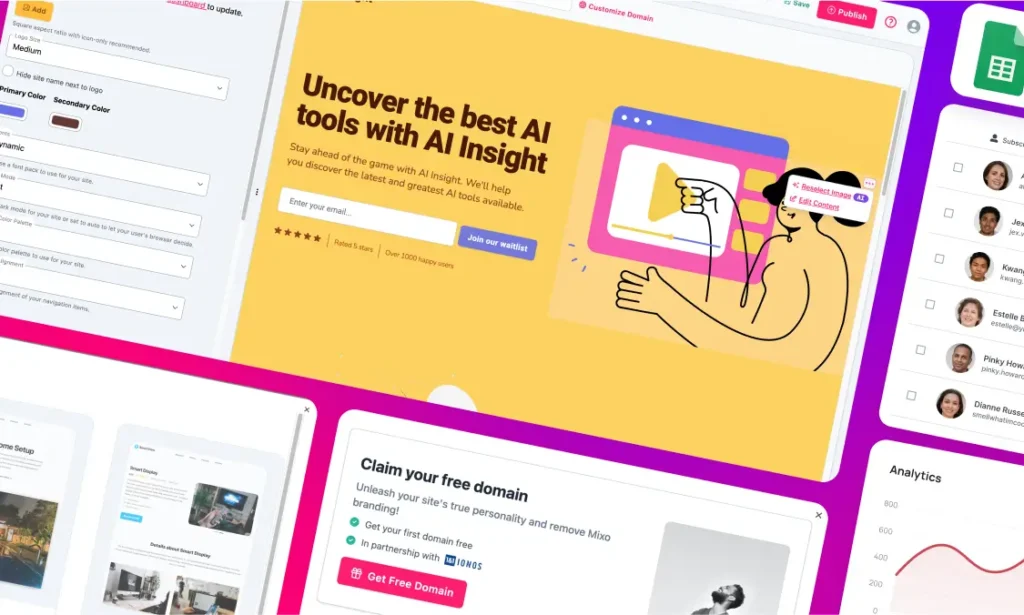
If you want to move quickly without breaking the bank, Hostinger is a massive time-saver. Users consistently report going from a blank screen to a published site in under 20 minutes. It comes packed with an AI Writer, Blog Generator, SEO Helper, and an image generator to reduce manual work. Hostinger also stands out for online sellers because it charges 0% transaction fees on sales. Their Hostinger Horizons tool even lets you generate full web apps from a simple text prompt, pushing the platform well beyond basic site building.
2. Wix AI — Best Overall for Beginners and Small Businesses
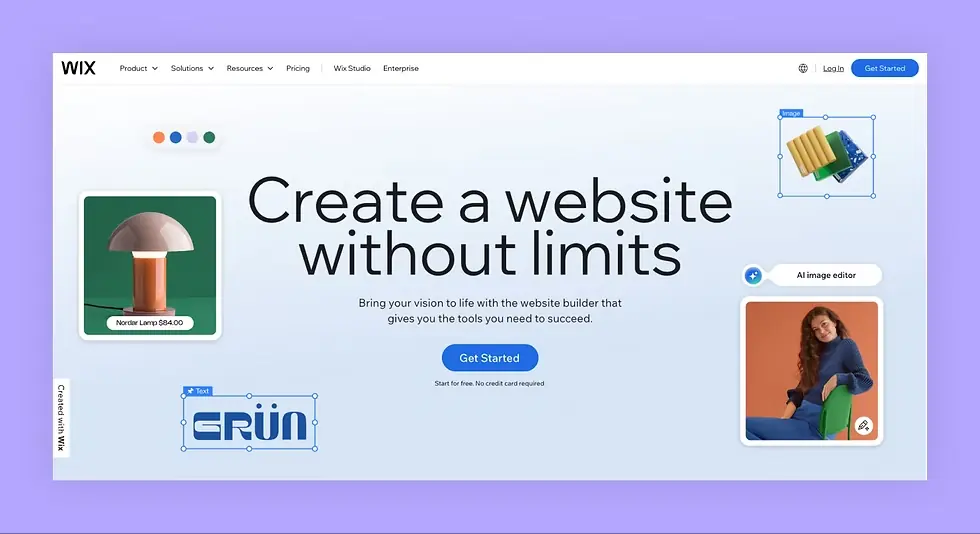
If you want the most complete free AI experience, Wix is the clear frontrunner. Its AI builder walks you through a series of questions about your business and generates a full site — complete with color palette, copy, and images — in just a few minutes. With over 900 templates, a massive app marketplace, and built-in tools for eCommerce, scheduling, and event management, Wix covers virtually every use case. It also has one of the most generous free plans on the market, making it a natural starting point for anyone testing the waters.
3. Framer AI — Best for Designers and Creatives
Framer has become one of the most talked-about builders in the design community, and for good reason. Its AI helps generate beautiful layouts, customize color systems, and refine copy — all while giving you a level of visual control that most template-based builders simply cannot match. If you are building a portfolio, a marketing site, or a creative agency page, Framer produces results that look genuinely custom. Plans start free for a single site, with Pro tiers from $15/month.
4. Webflow — Best for Agencies and Advanced Customization
Webflow has long been the gold standard for professionals who want pixel-perfect control without writing code, and its newer AI features make an already powerful platform even faster to use. The AI Site Designer helps generate layouts and section structures, while the underlying CMS and animation tools let you build complex, dynamic sites that smaller builders cannot touch. It is the go-to option for agencies and freelancers building client sites that need to scale.
5. Squarespace Blueprint AI — Professional Design for Established Brands
Squarespace has always been known for beautiful aesthetics, and their Blueprint AI maintains that reputation. It offers a uniquely collaborative design process, guiding you through layout and style choices to create a polished, established look. If brand presentation is your top priority and you want a professional platform for a business that already has a clear identity, this remains a strong contender.
6. 10Web — The WordPress Automation Powerhouse
When you need a solid mix of automation, deep customization, and speed inside the WordPress ecosystem, 10Web is a top-tier choice. It uses AI to recreate layouts and streamline the entire setup process, giving you a highly professional WordPress result without the usual manual tweaking. If you are already committed to WordPress and want AI to accelerate the build, this is the most purpose-built option available.
7. Durable — Fastest Setup on the Market
If speed is the only metric that matters, Durable is in a category of its own. It generates a complete business website from a single prompt in under 30 seconds, including copy, images, and a contact form. It is not the most flexible tool once you want deep customization, but for validating an idea or launching a simple local business page as fast as humanly possible, nothing else comes close.
Other Notable AI Builders to Consider
Beyond the major players, the market continues to grow fast. Relume is a standout for professional designers who work in Webflow or React, offering AI-generated wireframes and over 1,200 pre-built components. Replit has emerged as the top choice for technically minded users who want to go beyond static sites and build full-stack web apps entirely from prompts. Dorik is worth a look for content creators and startups that need a built-in CMS and membership features at an affordable price point.
What to Expect from Free AI Website Builders
You don’t always have to pay upfront to get started. There are dozens of free AI website builders that allow you to generate good-looking websites just from a text prompt. These platforms make it incredibly simple to edit your layout and even let you publish your site using a free subdomain provided by the builder.
The catch? Most free tiers will include the platform’s branding or overlay ads on your site. If you are just testing an idea, validating a product, or building a personal project, this is completely fine. But for a professional business presence, you will eventually want to upgrade to a paid plan to remove those ads and connect your own custom domain.
How to Launch Your Site Today
Ready to get your site live? Follow these straightforward steps to get the most out of your chosen AI builder:
- Write a highly specific prompt: When the AI asks what your site is about, don’t just say “a coffee shop.” Say “a modern, minimalist coffee shop in Seattle specializing in organic espresso and local pastries.” The better your prompt, the less editing you will do later.
- Let the AI generate the foundation: Allow the tool to build your layout, write the initial placeholder copy, and source starter images. Resist the urge to interrupt the process.
- Refine with built-in tools: Use the platform’s AI text and image generators to tweak the messaging. Update the color palette and typography to match your branding.
- Review and publish: Check how the site looks on mobile devices. Once everything looks sharp, connect your custom domain and hit publish.