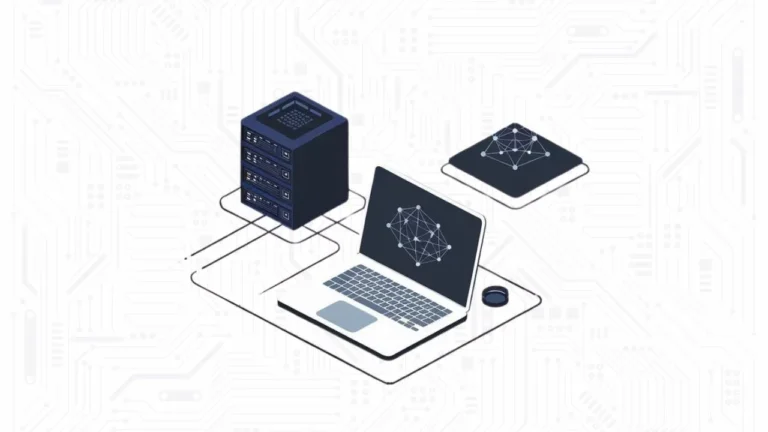


The best AI for 8gb ram users is a small language model or a quantized 7B-12B parameter model that fits within the strict memory constraints of consumer hardware. In 2026, running local AI via Ollama on an 8GB machine solves the problem of data privacy and cloud costs for students and developers.
But the main problem is that RAM memory is becoming increasingly expensive these days, precisely because large AI servers require more and more resources to meet market demands. So in this article, we’ll give you some tips and show you some LLM models that can run on a low-end laptop with 8GB of RAM.
Models for 8GB RAM Hardware

Choosing a model for an 8GB laptop requires balancing parameter count against quantization levels. In 2026, the industry has shifted toward high-quality 3B and 8B models that outperform older, larger architectures. According to Local AI Master, the goal is to find the highest performance-to-memory ratio rather than chasing the highest parameter count.
For general assistance, Llama 3.2 3B (4-bit quantization) is the current gold standard for speed. It fits comfortably in memory, leaving enough overhead for a web browser and document editor. If your tasks involve complex reasoning or creative writing, Mistral Nemo 12B (Q3_K_S) is viable but pushes the limits of an 8GB system.

Users on r/ollama frequently recommend staying under 6GB of total model weight to maintain a usable tokens-per-second rate.
| Model Name | Parameter Count | Recommended Quantization | Best Use Case |
|---|---|---|---|
| Llama 3.2 | 3B | Q8_0 (High Precision) | Fast Chat & Daily Tasks |
| Mistral Nemo | 12B | Q3_K_S (Aggressive) | Complex Reasoning |
| Phi-4 Mini | 3.8B | Q4_K_M (Balanced) | Logic & Math |
| DeepSeek Coder V2 | Lite (16B MoE) | Q2_K (Extreme) | Local Coding |
The Importance of Quantization and VRAM Management
VRAM (Video RAM) is the primary bottleneck for local LLMs. As noted by LocalLLM.in, 8GB of memory is considered the mandatory entry point for local AI in 2026. If you have a dedicated GPU with 8GB VRAM, your performance will be significantly faster than using shared system RAM on an integrated graphics chip.
Quantization is the process of compressing model weights to reduce their memory footprint. For an 8GB laptop, you should prioritize Q4_K_M or Q5_K_M formats. These offer a “sweet spot” where the model loses negligible intelligence while fitting into a 4GB to 5GB footprint. Avoid running unquantized (FP16) models larger than 2 billion parameters, as they will likely crash your session or run at a painful 1-2 tokens per second.
Coding Locally on 8GB Systems
Software developers are increasingly replacing cloud-based assistants with local alternatives. For 8GB systems, Mixture-of-Experts (MoE) models and specialized small coding models remain the most practical options, DeepSeek Coder 7B, for example, delivers solid code completion while fitting within the memory limits of a standard MacBook Air or entry-level Windows laptop.
The problem is that even owning an 8GB machine is quietly becoming a privilege. AI data centers have created unprecedented demand for RAM, and memory makers like SK Hynix have already reported that their entire 2026 production capacity is sold out. The ripple effects hit consumers directly: contract prices for some DRAM categories nearly doubled in a single month in late 2025, with analysts projecting the shortage to persist into 2027 or beyond.
For developers, this creates a real squeeze. Manufacturers are responding with “shrinkflation”, laptops that look identical to last year’s models but ship with 8GB of RAM instead of 16GB, quietly trading specs for price stability. Major PC makers including Dell, Lenovo, and HP have already signaled price increases of 15–20% in early 2026 as memory costs surge.
The root cause is structural: when Micron produces one bit of HBM memory for AI chips, it forgoes producing three bits of conventional RAM for consumer devices, a trade-off the market has firmly chosen. For now, if you’re building a local AI coding setup, the advice is simple: buy the RAM you need today.
How to Optimize Ollama for 8GB RAM Laptops
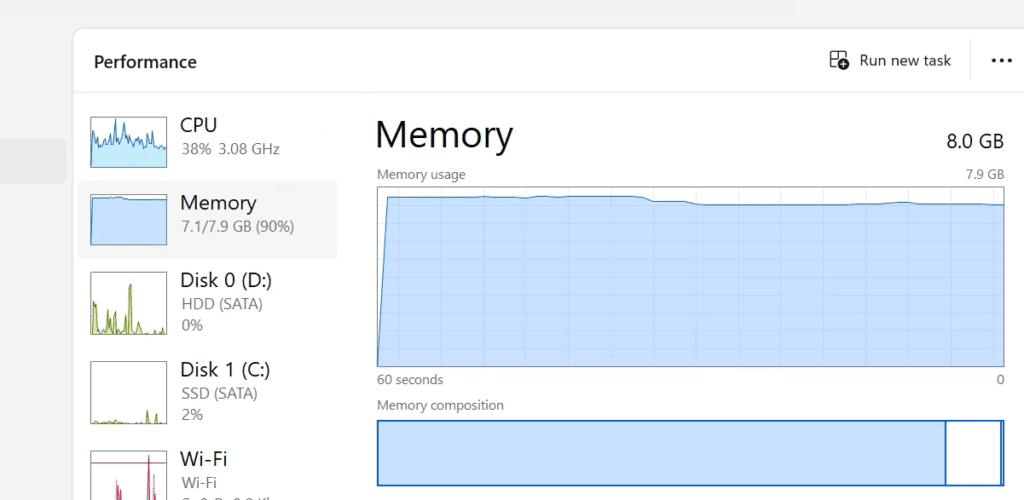
To get the most out of your hardware, you must manage your system resources aggressively. Closing memory-heavy applications like Chrome or Slack before launching an Ollama model can free up the 500MB to 1GB extra needed to prevent disk swapping.
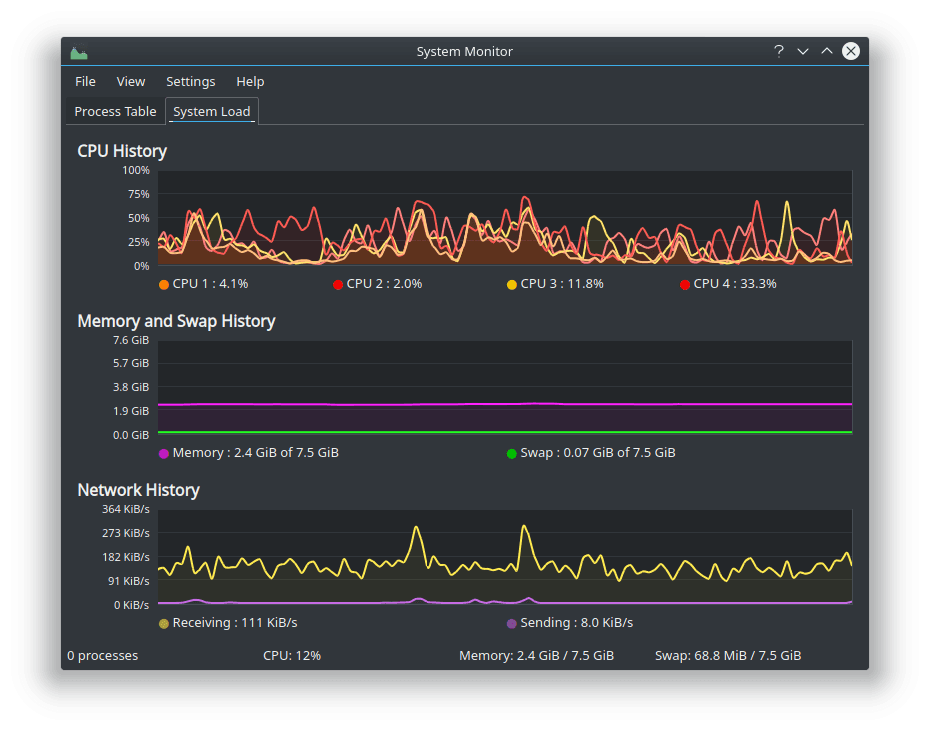
It’s worth considering using lighter, Linux-based operating systems to further reduce RAM usage. If your goal is to maximize the performance of LLMs on a laptop with limited RAM, it makes a lot of sense.
- Use the ‘Ollama Run’ command with specific tags: Instead of downloading the default (often 7B-8B) version, specifically pull the 3B or 4-bit versions to ensure compatibility.
- Adjust the Context Window: Reducing the context window from 32k to 8k or 4k can significantly lower VRAM usage, allowing larger models to fit.
- Monitor System Usage: Use Activity Monitor (macOS) or Task Manager (Windows) to ensure your “Memory Pressure” stays out of the red zone while the model is generating text.
- Enable GPU Offloading: If your laptop has an NVIDIA or Apple Silicon chip, ensure Ollama is utilizing the GPU rather than the CPU for a 10x speed increase.
As suggested by Yuv.ai, starting with smaller models like Phi-4 or Llama 3.2 1B allows you to test your environment before moving to more demanding 8B or 12B variants.
Frequently Asked Questions
Can I run a 70B model on an 8GB RAM laptop?
No, a 70B model even at extreme quantization requires significantly more than 8GB of RAM. Attempting to run this will result in system instability or extremely slow performance (minutes per word). For 8GB hardware, stick to models under 14B parameters.
Is 8GB RAM enough for local AI in 2026?
Yes and No, 8GB RAM is enough for essential and limited local AI tasks using highly optimized small language models. However, as noted by Micro Center, you will be limited to running one primary application at a time alongside your LLM.
Which Ollama model is fastest for 8GB laptops?
The Llama 3.2 1B or 3B models are currently the fastest. They provide near-instant responses on most 2026-era laptops because they can be fully loaded into the high-speed cache or VRAM without spilling over into slower system memory.